


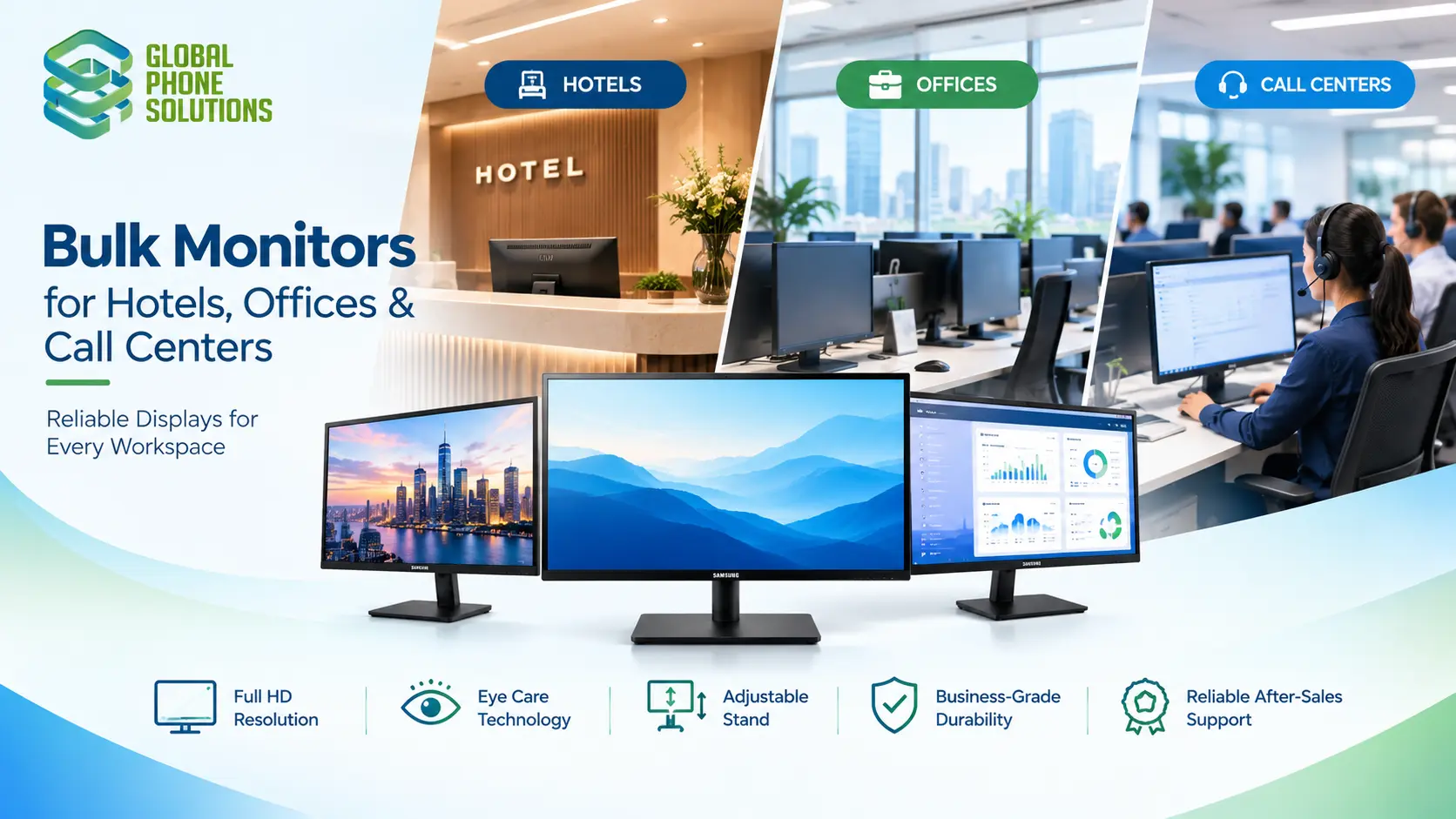
Bulk Monitors for Hotels, Offices & Call Centers-Buyer’s Guide
For most hotels, offices and call centers, the right bulk monitor is a business-grade 24 to 27 inch Full HD (1080p) screen with an IPS or VA panel, an adjustable stand and a clear warranty. Choose one standard model per area, order a few spares, and buy from an authorized distributor who can supply the same model again later. Price matters, but consistency, durability and after-sales support matter more once you are buying dozens or hundreds of units.
Why bulk monitor buying is different
Buying one monitor for your desk is a quick decision. Buying 50, 200 or 1,000 for a business is a project. Mistakes get repeated across every unit.
Here is what changes when you buy in bulk:
- Every small issue is multiplied. A bad stand design or poor viewing angle affects every workstation.
- Consistency saves money. Using one model makes training, spare parts, cables and support simpler.
- Reorders must match. When you expand, you want the same model, not a slightly different one.
- Delivery timing matters. New openings, renovations and office moves have fixed dates.
What hotels, offices and call centers each need
The three sectors use monitors differently, so the best specs differ too.
| Setting | Typical use | What matters most |
|---|---|---|
| Hotels and hospitality | Front desk, back office, security room, conference rooms, business center | Reliability, clean look, long operating hours, easy replacement |
| Offices | Daily desk work, spreadsheets, video calls, design and admin | Comfort, eye care, size, ergonomic stand, multi-monitor support |
| Call centers | Long shifts, many identical seats, headsets and software on screen | Comfort over many hours, uniform model, durability, fast replacement |
Key specs to compare before you buy
Screen size
- 22 to 24 inches: good for dense seating plans, front desks and call center seats where space is limited.
- 27 inches: a popular choice for offices and back-office work, giving more room for several windows.
- 32 inches and above: useful for meeting rooms, control rooms and shared displays.
Resolution
Full HD (1920 x 1080) is enough for most office and call center tasks. Higher resolutions such as QHD or 4K help when users work with large spreadsheets, design files or many open windows, but they cost more.
Panel type
- IPS: wide viewing angles and accurate colors. Good for front desks and shared screens where people look from the side.
- VA: deeper contrast at a lower cost. Good for general office use.
- TN: very fast and low cost, but weaker viewing angles. Usually less ideal for business settings.
Refresh rate
A standard 60 Hz is fine for office work. Models with higher refresh rates (for example 100 or 120 Hz) feel smoother, and some business monitors include them at a modest price. They are a nice extra, not a necessity for most hotel or call center uses.
Stand and ergonomics
Height adjustment, tilt and pivot reduce neck and eye strain over long shifts. If the included stand is basic, check whether the monitor supports VESA wall or arm mounting, which is common in hotels and tight workspaces.
Ports and connectivity
Check for HDMI and DisplayPort, and USB-C if your laptops support it. Matching ports with your existing computers avoids extra adapters across hundreds of desks.
Eye comfort features
Flicker-free and low blue light modes are useful for people working many hours at a screen, which is the case in most call centers and offices.
Warranty and support
For bulk orders, ask how long the warranty lasts, who handles claims and how fast replacements arrive. A short warranty or unclear process is a risk when you manage many units.
Example: a typical business monitor
To make this concrete, a common choice for offices and back-of-house hotel work is a 27-inch flat Full HD monitor with a 120 Hz refresh rate, such as the Samsung LS27F320GANXZA. A monitor like this gives enough screen space for daily tasks, a smooth display and a simple design that suits many environments. You can check the current range on our Monitors page.
How to plan a bulk monitor order
- Count your seats and areas. Separate reception, back office, call floor, meeting rooms and spare stock.
- Pick one standard model per area. Fewer models means easier support.
- Choose size and specs based on tasks. Do not pay for features your staff will not use.
- Add 3 to 5 percent in spares. This is a common starting point for many businesses, adjusted to your own failure and damage rate.
- Check mounts and cables. Include VESA mounts, HDMI or DisplayPort cables and power cords in the same order.
- Get quotes from authorized distributors. Compare delivered price, warranty and delivery time.
- Test a small batch first. For large projects, trial a few units before the full order.
- Keep records. Store model numbers, serial numbers and warranty information for each batch.
Common mistakes to avoid
Buying consumer or gaming models for business use. They may have features you do not need and weaker business support.
Mixing many models. This makes support and replacement harder.
Ignoring ergonomics. Poor stands and glare lead to tired staff, especially in call centers.
Forgetting accessories. Mounts, cables and docking items are often needed at the last minute.
Choosing only on unit price. Delivery cost, warranty and replacement speed all affect the true cost.
Buying from unverified sellers. Read our guide on how to verify a wholesale distributor before sending payment.
Bulk monitors for hotels: extra tips
Hotels often need monitors in places guests can see, such as the front desk and business center, as well as hidden back-office areas. Choose a clean, slim design for visible areas, and prioritize reliability for areas with long operating hours. If you are also equipping rooms and common areas, see our guide to hospitality technology distribution for hotels.
Bulk monitors for call centers: extra tips
Call centers run long shifts with many identical seats, so comfort and uniformity are the top priorities. Pick a model with good viewing angles, flicker-free technology and an adjustable stand. Keep spare units on site so a failed screen does not leave an agent without a workstation.
How Global Phone Solutions supports bulk monitor buyers
Global Phone Solutions is a mobility and electronics distributor serving the United States, Latin America and the Caribbean. Our range includes monitors, computers, tablets, phones and accessories, so businesses can source several device types from one partner. If you are planning an office fit-out, hotel project or call center setup, you can browse our Monitors page or contact our team to discuss quantities and delivery.
FAQs- about Bulk Monitors for Hotels, Offices and Call Centers
1.What size monitor is best for a call center?
Many call centers use 22 to 24 inch Full HD monitors because they fit dense seating and are enough for most tasks. Larger 27 inch screens are used when agents work with several applications at once.
2.Is IPS or VA better for business monitors?
IPS panels have wider viewing angles and better color accuracy, which suits shared or front-desk screens. VA panels offer strong contrast at a lower cost and work well for general office use.
3.How many spare monitors should I order?
A common starting point is a small reserve, such as 3 to 5 percent of the total, adjusted to your own usage and how quickly replacements can be delivered.
4.Do I need 4K monitors for office work?
Not usually. Full HD is enough for most office and call center tasks. 4K or QHD helps with design work, large spreadsheets or heavy multitasking.
5.Can I buy monitors in bulk from a distributor?
Yes. Many distributors supply business monitors in volume, and some can also provide computers, mounts and accessories in the same order.
6.What warranty should I look for?
Check the warranty length, what it covers, how claims are processed and how quickly replacements are sent. For bulk orders, clear terms are as important as the price.
Bulk monitor buying works best when you keep it simple-
Bulk monitor buying works best when you keep it simple: pick a standard model for each area, focus on comfort and reliability, and work with a distributor who can supply the same model again later. Plan accessories and spares from the start, and compare total delivered cost, not just the unit price.
Need monitors for a hotel, office or call center? Talk to Global Phone Solutions and tell us what your project needs.