


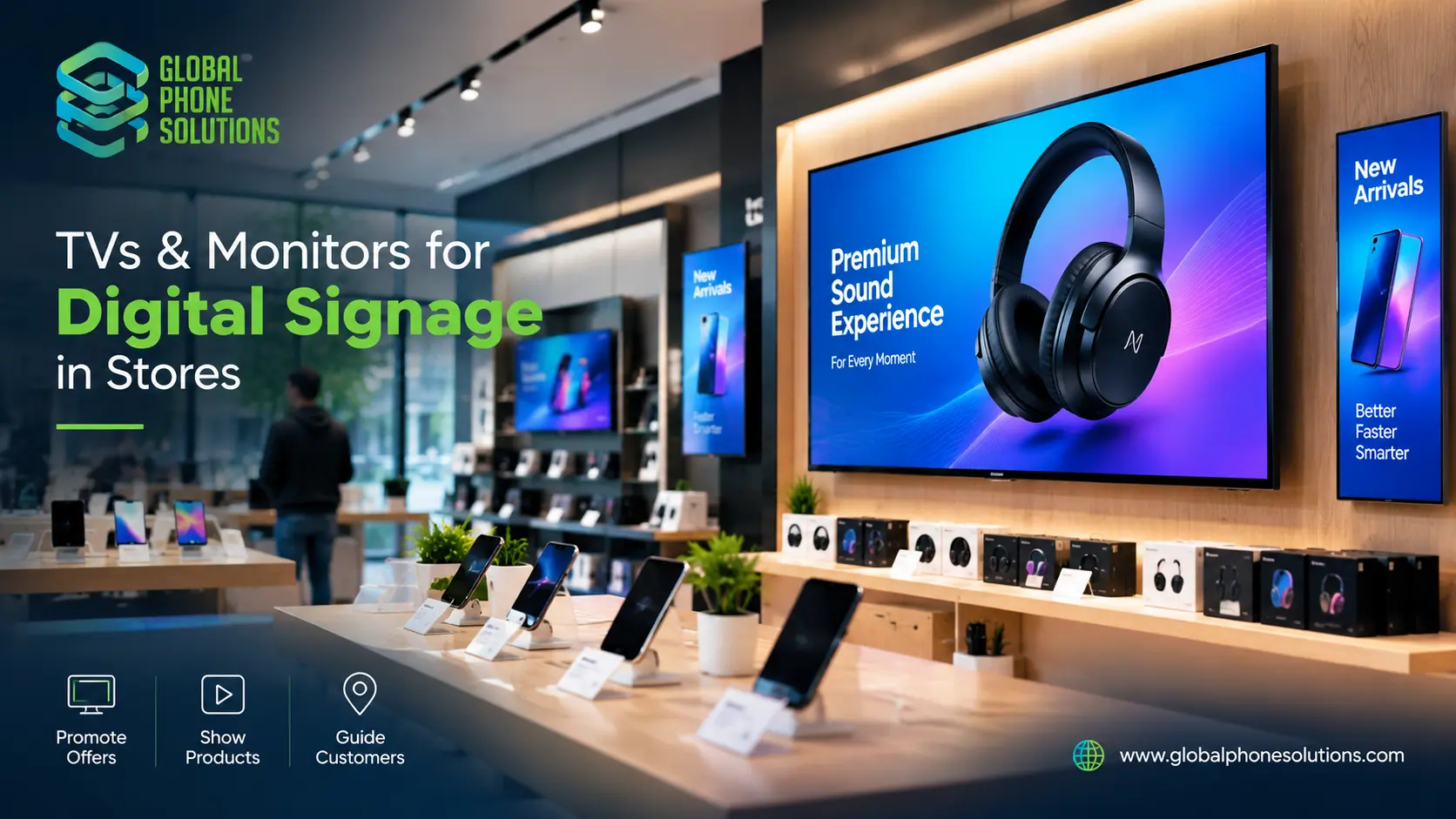
TVs & Monitors as Digital Signage in Stores
Yes, you can use TVs and monitors as digital signage in a store. A standard TV or monitor is the lowest-cost way to start, while commercial-grade displays are built for longer hours and tougher use. For most small and mid-size stores, a 43 to 55 inch Full HD or 4K TV or a 24 to 32 inch monitor, connected to a media player or a simple USB or Wi-Fi source, is enough to show promotions, prices, menus and brand videos. Choose the size by viewing distance, check the operating hours the model is designed for, and buy a standard model in bulk if you need several screens.
Why stores use digital signage
Printed posters are slow and costly to change. A screen can update in minutes. Stores use digital signage to:
- Show promotions, new arrivals and sale prices
- Display product videos and brand content
- Guide customers to departments or services
- Show menus, queue numbers or opening hours
- Make the store look modern and consistent
- Change messages by day, season or time without reprinting
For an electronics, phone or accessories store, screens are also a natural way to show product demos, specs and bundles.
TV or monitor: which should you choose?
Both can work. The right choice depends on size, hours of use and placement.
| Factor | TV | Monitor |
|---|---|---|
| Typical size | 32 to 85 inches | 22 to 34 inches |
| Best for | Window displays, walls, large content | Counters, shelves, small displays, product demos |
| Viewing distance | Medium to long | Short |
| Built-in apps and tuner | Often yes | Usually no |
| Input options | HDMI, USB, apps | HDMI, DisplayPort, sometimes USB-C |
| Cost per inch | Usually lower | Usually higher |
| Design | Wall-mount friendly | Desk or arm mount friendly |
In short: use TVs for larger, wall-mounted or window screens, and monitors for close-up displays, counters and small spaces.
Consumer TV vs commercial display
This is the most important decision for a store that will run screens all day.
- Consumer TVs are designed for home use, a few hours a day. They are cheaper and often have good picture quality, but may not be rated for 12 to 24 hours of continuous operation, and warranty terms may differ for commercial use.
- Commercial or professional displays are designed for long operating hours, often with features such as higher brightness, scheduling, remote management and commercial warranty terms. They usually cost more.
Ask your supplier what operating hours the model is designed for and whether the warranty covers business use. If you only run screens during store hours, a quality TV or business monitor can be enough. If screens run all day and night, or sit in bright windows, consider a commercial display.
How to choose the right screen size
The larger the viewing distance, the larger the screen should be. As a rough starting point:
| Viewing distance | Suggested screen size |
|---|---|
| Up to 1.5 m (counter, shelf) | 22 to 27 inches |
| 1.5 to 3 m (aisle, small shop) | 32 to 43 inches |
| 3 to 5 m (store wall, entrance) | 43 to 55 inches |
| 5 m and more (large stores, window) | 55 inches and above |
These are guidelines, not strict rules. Test one screen in your actual space before ordering many.
Key specifications to compare
Resolution
Full HD (1080p) is enough for many small and mid-size screens. 4K helps on larger screens viewed up close, and for sharp product images and text.
Brightness
Stores with windows or strong lighting need brighter screens. Standard TVs may look washed out in direct sunlight. Check the brightness rating and, for window displays, consider models made for high brightness.
Orientation
Most TVs are designed for landscape use. If you want portrait signs, check whether the model supports portrait mounting and rotation. Many monitors support portrait mode easily.
Connections
Check HDMI, USB and network options. HDMI works with most media players and sticks. Models with built-in apps or USB playback can run simple content without extra hardware.
Mounting
Look for VESA wall-mount support, or ask about stands and brackets. Plan cable routing and power outlets before you install.
Warranty and support
For several screens, ask how long the warranty lasts, who handles claims, and how fast replacements arrive.
What you need besides the screen
A working digital sign usually needs a few extra parts:
- A content source: a media player, streaming stick, mini PC or built-in USB or app playback
- Content software: an app or platform to create and schedule content
- Mounts or stands
- Cables and power: HDMI cables, power strips and cable covers
- Network: Wi-Fi or Ethernet if content updates remotely
- Protection: anti-theft brackets or locking cases in public areas
Buying these in the same order as the screens saves time and avoids compatibility problems.
Content tips for store screens
- Keep it short. Customers glance at screens for a few seconds.
- Use large text and strong contrast. Test readability from the real viewing distance.
- Show one message at a time. Do not crowd the screen.
- Use motion carefully. Light movement attracts attention, but too much distracts.
- Update regularly. Old promotions make a store look neglected.
- Match your brand. Use consistent colors, fonts and logos.
Step-by-step: setting up digital signage in your store
- Decide the goal. Promotions, product demos, menus or brand image?
- Choose locations. Entrance, window, checkout, aisles, product walls.
- Pick screen types and sizes. Use TVs for large areas and monitors for close-up areas.
- Decide consumer or commercial grade. Based on operating hours and brightness needs.
- Plan content and software. Choose how you will create and update content.
- Order screens, mounts and accessories together. Add a spare unit if you buy several.
- Test one location first. Check visibility, glare, sound and ease of updates.
- Roll out and maintain. Keep a record of models, serial numbers and warranty dates.
Common mistakes to avoid
Using a screen that is too small. If customers cannot read it from where they walk, it will not work.
Ignoring sunlight and glare. A bright window can make a standard screen unreadable.
Running home TVs 24 hours a day without checking. Check the intended operating hours and warranty terms.
Forgetting content. A screen without fresh content is just a black rectangle.
Buying mixed models. Different brands and sizes make mounting, setup and spare parts harder.
Buying from unverified sellers. Gray-market or unverified stock can cause warranty problems. See our guide on how to verify a wholesale distributor.
Digital signage for hotels, restaurants and offices
The same principles apply outside retail. Hotels use screens for welcome messages and event information, restaurants for digital menus, and offices for dashboards and meeting rooms. For hotel and hospitality projects, read our guide to hospitality technology distribution, and for desk and back-office screens, see bulk monitors for hotels, offices and call centers.
Buying TVs and monitors in bulk
If you run several stores or need many screens, buying through a distributor can simplify things. Ask about:
- Authorization and proof of brand supply
- The exact model codes and regional versions
- Warranty length and business-use coverage
- Delivery time and who handles customs for international orders
- Availability of the same model for future stores
- The total delivered price, including mounts and accessories
How Global Phone Solutions supports retail display buyers
Global Phone Solutions is a mobility and electronics distributor in business since 1996, serving the United States, Latin America and the Caribbean. Our range includes TVs and electronics from brands such as TCL and Samsung, monitors, phones, tablets and accessories, so retailers can source several product types from one partner. You can learn more on our TCL distribution page, see our Monitors page, or contact our team to discuss quantities and delivery.
FAQs About Digital Signage For Stores
1.Can I use a regular TV as digital signage?
Yes, many stores start with a standard TV. Check that the model is suitable for your operating hours and that the warranty allows business use. For all-day or bright-window use, a commercial display may be a better choice.
2.Is a monitor or a TV better for digital signage?
TVs are better for larger, wall-mounted displays. Monitors are better for counters, shelves and close-up displays. Many stores use both.
3.What screen size do I need for a store?
It depends on viewing distance. A counter display can be 22 to 27 inches, while a wall or window display usually needs 43 inches or more.
4.Do I need 4K for digital signage?
Not always. Full HD is enough for many uses. 4K is helpful on large screens or when customers view the screen from close range.
5.Can I show digital signage content without a computer?
Often yes. Many TVs and media players can play content from a USB drive, built-in apps or a streaming device. A small media player or mini PC gives you more control.
6.How many spare screens should I buy?
There is no fixed rule. If you buy several screens, many stores keep one or two spares, or a small reserve, depending on how critical the displays are.
7.Can a distributor supply TVs and monitors for several stores?
Yes. Many distributors supply TVs, monitors and accessories in volume and can deliver to several locations, including internationally.
Final thoughts on digital signage for stores
Digital signage does not need to be complicated. Start with one clear goal, choose the right screen size and type for each location, plan your content, and buy standard models so setup and support stay simple. Test before you roll out, and work with a supplier who can provide the same model again when you open your next store.
Planning screens for your store? Talk to Global Phone Solutions and tell us what you need.