


Build a Corporate Device Procurement Plan That Lasts
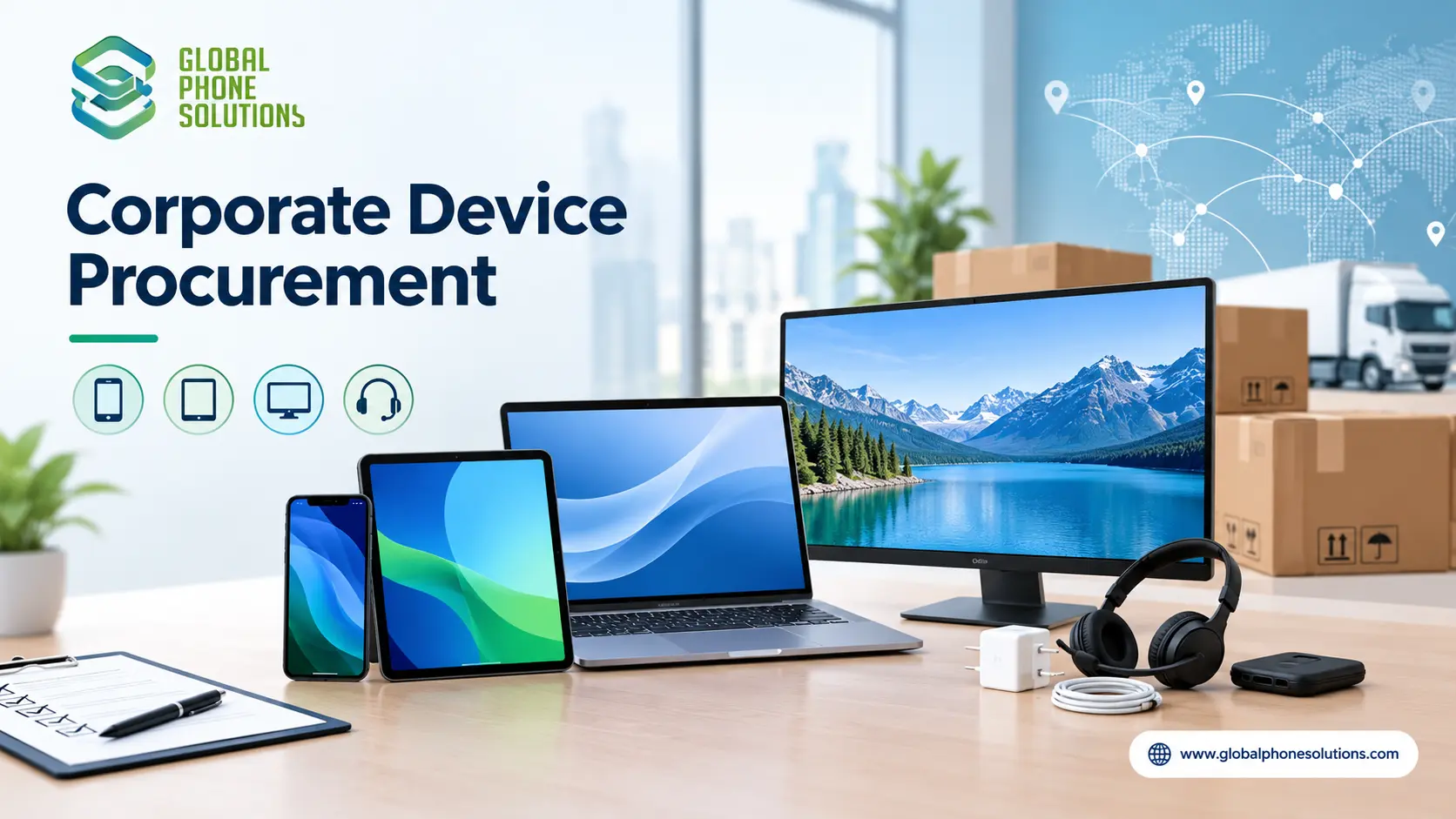
Corporate device procurement is the process of planning, selecting, buying and delivering phones, tablets, monitors and accessories for a company’s employees. The best approach is to define who needs what, standardize on a small number of models, compare authorized suppliers on total delivered cost and support, order spares and accessories in the same shipment, and keep clear records of every device. Doing this well saves money, reduces support problems and keeps your team productive.
Why device procurement needs a plan
Buying devices for a company is different from buying them for yourself. A mid-size business may need dozens or hundreds of devices, and a larger group may need thousands across several offices or countries. Without a plan, companies often end up with a mix of models, unclear ownership, late deliveries and higher support costs.
A good procurement process helps you:
- Control cost and avoid surprise spending
- Keep devices consistent, so setup and support are easier
- Meet security and compliance needs
- Deliver devices to employees on time
- Track every device from purchase to retirement
Step 1: Define who needs what
Start with people, not products. List the roles in your company and what each needs to do their job.
| Role | Typical devices | Key needs |
|---|---|---|
| Executives and managers | Premium smartphones, tablets | Reliability, security, performance |
| Sales and field teams | Smartphones, rugged cases, tablets | Battery life, durability, mobility |
| Office and admin staff | Monitors, laptops or desktops | Comfort, screen size, ergonomics |
| Customer service and call centers | Monitors, phones, headsets | Uniform setup, long-shift comfort |
| Warehouse and logistics | Tablets, handheld devices | Durability, easy cleaning, battery |
| Reception and shared spaces | Tablets, displays | Clean look, simple use |
This list tells you how many devices you need and how much you can standardize.
Step 2: Standardize your device list
Choose one or two models for each role instead of a different device for every person. Standardization makes it easier to:
- Train IT and support staff
- Stock spare parts and accessories
- Set up devices quickly with the same configuration
- Negotiate better pricing for larger quantities
- Reorder the same model later
If you need help choosing, see our guides to bulk monitors for hotels, offices and call centers and tablets for schools and universities, which cover specifications in more detail.
Step 3: Set your budget on total cost, not unit price
The price on the quote is only part of the cost. Include:
- The devices themselves
- Cases, chargers, cables, mounts and headsets
- Shipping, insurance and, for international orders, customs duties and taxes
- Warranty or extended support
- Setup, configuration and deployment time
- A reserve of spare devices
A slightly higher unit price with better warranty and faster replacement can cost less overall.
Step 4: Decide between buying, leasing and carrier plans
Companies usually choose among three approaches.
| Option | How it works | Good for | Watch out for |
|---|---|---|---|
| Buy outright | Pay once and own the devices | Companies that keep devices for years and want control | Upfront cost |
| Lease or finance | Pay over time, sometimes with refresh cycles | Companies that prefer predictable monthly costs | Total cost over time |
| Carrier or contract plans | Devices bundled with service plans | Teams that mainly need connectivity | Locked devices and contract terms |
Buying in bulk from a distributor often gives you unlocked, standard devices that you can use across networks and countries.
Step 5: Choose a reliable supplier
Supplier choice is the most important part of procurement. Compare at least three candidates on the same checklist.
| Factor | What to ask |
|---|---|
| Authorization | Can you show written proof of authorization for each brand? |
| Range | Can you supply phones, tablets, monitors and accessories together? |
| Stock and consistency | Can you supply the same model again in six or twelve months? |
| Pricing | Is the quote delivered, and what are the payment terms? |
| Delivery | What is the lead time, and who handles customs for international orders? |
| Warranty and returns | How are defective units replaced? |
| Documentation | Do you provide proper invoices and product details for accounting and audits? |
| Support | Do you have regional service or support teams? |
For a deeper checklist, read how to verify a wholesale phone distributor.
Step 6: Plan security and compliance
Corporate devices hold company data, so security needs to be part of the plan, not an afterthought.
- Device management: decide how devices will be configured, updated and, if needed, wiped. Many companies use mobile device management (MDM) tools.
- Software updates: check how long each model will receive security updates.
- Access control: use screen locks, strong passwords and, where supported, biometric login.
- Data protection: set rules for storing, sharing and backing up company data.
- Local rules: requirements differ by country and industry, so check what applies to your business.
Step 7: Plan delivery and rollout
Ordering the devices is only the start. A smooth rollout includes:
- Delivery schedule. Match shipments with office openings, new hires or refresh dates.
- Receiving and checking. Count units, inspect packaging and record serial numbers.
- Configuration. Set up accounts, apps and security settings before handing devices to staff.
- Distribution. Assign devices to users and record who has what.
- Training. Give employees short instructions for new devices and support contacts.
Step 8: Track devices through their life
Devices have a life cycle: purchase, deployment, support, repair and replacement. Keep a simple asset record with model, serial number, user, purchase date and warranty end date. This makes audits, repairs and future refresh planning much easier.
Common mistakes to avoid
Buying too many models. This raises support and spare-part costs.
Choosing only on unit price. Delivery, warranty and replacement speed all affect the real cost.
Ignoring accessories. Cases, chargers, mounts and cables are often needed at the last minute and cost more.
Skipping a pilot. Test a small batch with real users before ordering hundreds.
Forgetting spares. A reserve of devices keeps employees working when something breaks.
Using unverified sellers. Gray-market or unverified stock can cause warranty and compliance problems. Read our list of red flags before placing a large wholesale order.
No refresh plan. Decide early how long you will keep devices and when you will replace them.
Corporate procurement across borders
Companies with offices in the United States, Latin America or the Caribbean face extra steps, such as import documents, regional model versions, different network bands and local taxes. Ask your supplier early which model codes they supply for your country, who handles customs paperwork, and which shipping method (air or sea) fits your timeline. A distributor with regional experience can save weeks of delay.
Quick procurement checklist
- Roles and device needs listed
- Standard models chosen for each role
- Total budget set, including accessories and spares
- Buy, lease or carrier plan decided
- Three supplier quotes compared
- Authorization and company details verified
- Security and management plan ready
- Delivery and rollout schedule agreed
- Asset tracking in place
- Refresh plan defined
How Global Phone Solutions supports corporate buyers
Global Phone Solutions is a mobility and electronics distributor in business since 1996, serving resellers, retailers and business buyers in the United States, Latin America and the Caribbean. Our range includes smartphones, tablets, monitors, computers and accessories from brands such as Samsung, Motorola, Apple and Xiaomi, supported by cloud-based systems, logistics infrastructure and regional service centers. That lets companies source several device types from one partner. You can browse our Monitors page or contact our team to discuss quantities, delivery and support.
FAQS About Corporate Device Procurement
1.What is corporate device procurement?
It is the process of planning, selecting, buying and delivering devices such as phones, tablets and monitors for a company’s employees, including budgeting, supplier selection, deployment and tracking.
2.Should a company buy or lease devices?
It depends on cash flow and how long you keep devices. Buying gives you ownership and often a lower total cost over time, while leasing spreads payments and can simplify refresh cycles.
3.How many different device models should a company use?
As few as practical. One or two models per role keeps support, training and spare parts simple.
4.How many spare devices should a company keep?
There is no fixed rule. Many companies keep a small reserve, often a few percent of the total, adjusted to how devices are used and how fast replacements can be delivered.
5.Can I buy business devices in bulk from a distributor?
Yes. Many distributors supply phones, tablets, monitors and accessories in volume, and some can handle shipping and customs for international orders.
6.How do I make sure a supplier is legitimate?
Check business registration, ask for written proof of authorization, compare at least three quotes, read warranty terms and request a formal invoice.
7.What should I ask before placing a large corporate order?
Ask about authorization, model codes and regions, delivery time, warranty and returns, availability of the same model for future orders, and the total delivered price.
Getting Corporate Device Procurement Right: Final Thoughts
Good corporate device procurement is mostly good planning: understand who needs what, standardize your models, budget for the total cost, choose a verified supplier and plan the rollout and refresh from the start. Companies that do this spend less time fixing problems and more time getting value from their devices.
Planning a corporate device order? Talk to Global Phone Solutions and tell us what your company needs.